Create your business bot
Use Telegram’s BotFather to create a bot and choose its public name and username.
 Mill™
 MILL + TELEGRAM
Give customers a direct line to your business on Telegram. Connect your bot to Mill and handle messages, files and follow-ups in the same place as your other conversations.
Jamie needs a hand.
Your whole team can help.
Telegram bot Mill inbox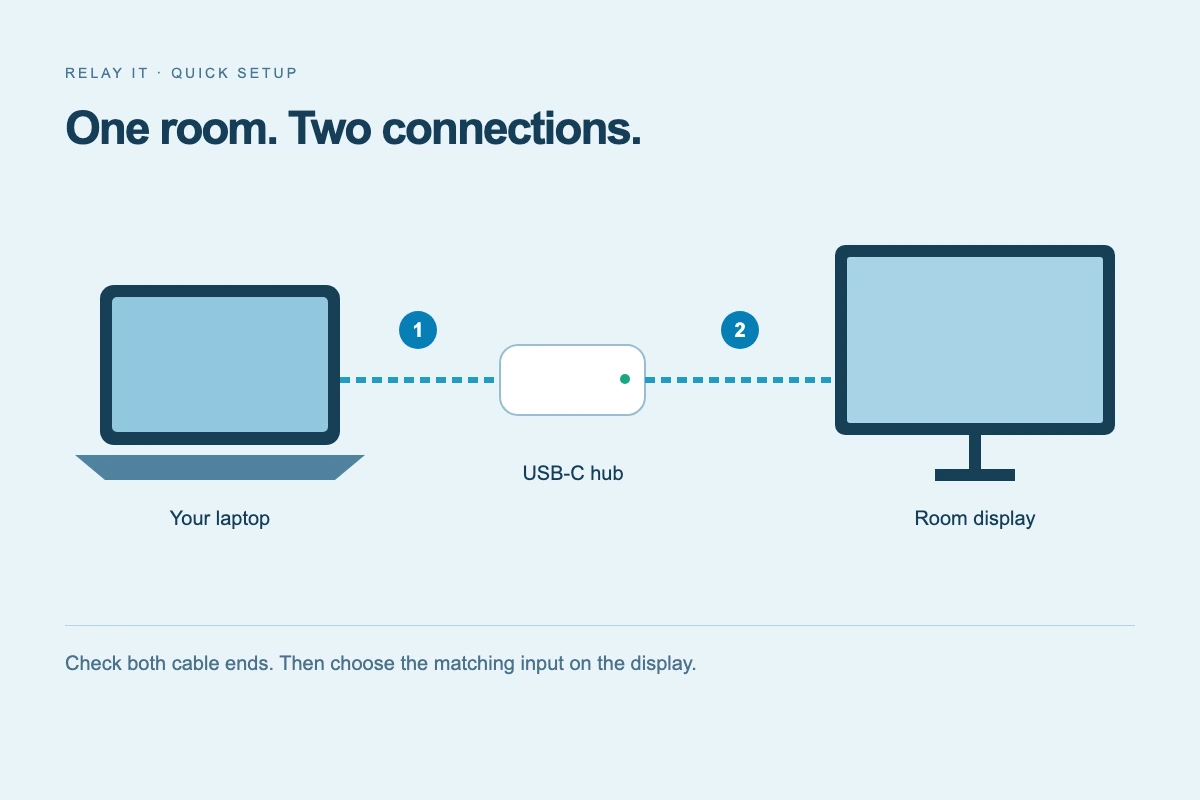
THE OPERATOR’S SIDE
See the Telegram label, pick up the conversation and reply from Mill. Keep assignments, private notes and the customer’s messages together.
A clear Telegram label keeps the source of each conversation visible.
Assign an operator and use internal notes to keep your team aligned.
Your answer goes back to the customer’s Telegram conversation.
A COMPLETE SUPPORT EXCHANGE
A team needs help with a meeting room. They message your Telegram bot, get a clear visual answer and leave with the setup guide. Your operators keep the entire exchange in Mill.
Hi, our meeting room display has stopped connecting. Can you help?9:41
Hi Jamie! Let’s check the connection first. This diagram shows the two cables to look at.9:42
Meeting room · Connection guideThe display cable was loose. It’s working now — can you send this to our team?9:43
A DIRECT LINE TO YOUR BUSINESS
Put your bot link in your help centre, email signature or onboarding guide. Customers tap Start. Your operators reply together.
FROM CONNECTION TO CONVERSATION
A separate integration, a familiar inbox. Set it up for the company you manage in Mill.
Use Telegram’s BotFather to create a bot and choose its public name and username.
Open Telegram in your company’s Integrations page and enter the bot token securely.
Ask a customer to open your bot and tap Start. Their message arrives in your Mill inbox.
GOOD TO KNOW
Questions about connecting and working with your team.
Connect a Telegram bot created with BotFather. Mill does not connect a personal Telegram account.
Share your bot’s t.me link. The customer opens it in Telegram, taps Start and sends a message.
Yes. Messages reach your shared Mill inbox. Assign conversations to operators and use private notes to coordinate the team.
Yes. Send images, audio and documents, one attachment per message. Text is sent as a separate message.
The integration handles private customer conversations with your bot. Group chats and channel publishing are not part of this connection.
BRING THE REST OF YOUR CONVERSATIONS
+Give your customers a familiar way in.
Give your team a better way to reply.
 WhatsApp
 Messenger
 Instagram