THE CUSTOMER SEES
A familiar DM.
A thoughtful reply.
Customers stay in Instagram. Product photos and clear answers make the experience feel personal.
 Mill™
 MILL + INSTAGRAM
Bring Instagram direct messages into Mill. Turn a product photo, a quick question or a new enquiry into a conversation your whole team can take care of.
Connect Instagram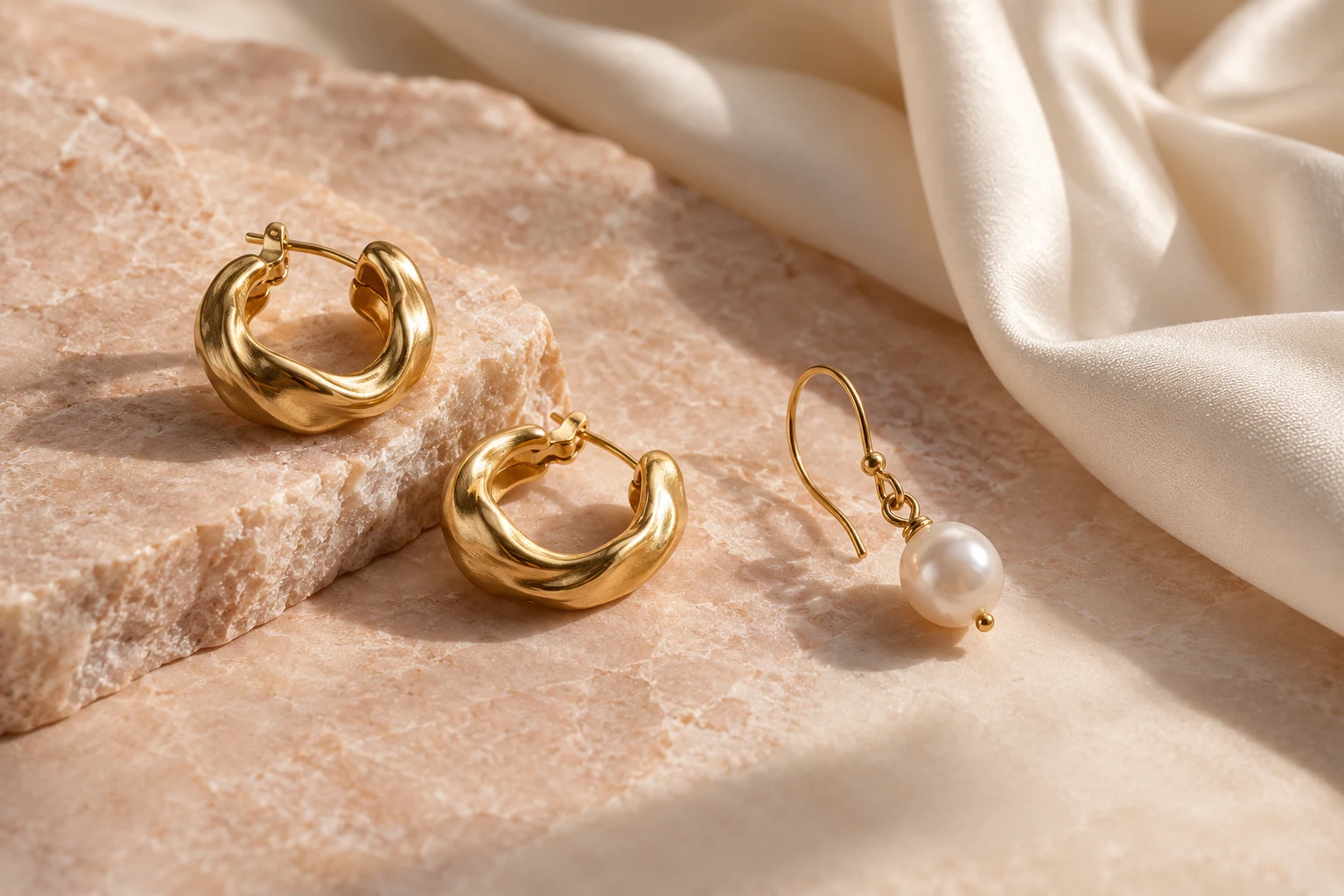
Worth a
closer look.
Are the pearl drops removable?
FROM DISCOVERY TO DIALOGUE
Turn a saved photo into a personal conversation. Help someone choose a finish, see a detail or find a matching piece, with their Instagram DM right in your shared inbox.
Answer the question behind the picture. Give every DM a person, a useful reply and a place in your team’s day.
Hi! I love these earrings. Are the pearl drops removable?9:41
Hi Sophie! Yes — wear the gold hoops on their own, or add the pearls. Here’s a closer look.9:42
Pearl drop hoops · Aurelia StudioPerfect for my wedding. Are they available in yellow gold?9:43
Yes, these are the yellow-gold finish. I can also help you choose a matching necklace.9:43
THE CUSTOMER SEES
Customers stay in Instagram. Product photos and clear answers make the experience feel personal.
YOUR TEAM GETS
Assignments, internal notes and Reply Assist help the right person pick up the conversation.
THE OPERATOR’S SIDE
See the Instagram label, pick up the conversation and reply from Mill. Keep assignments, private notes and the customer’s messages together.
A clear Instagram label keeps the source of each conversation visible.
Assign an operator and use internal notes to keep your team aligned.
Your answer goes back to the customer’s Instagram conversation.
FROM CONNECTION TO CONVERSATION
A separate integration, a familiar inbox. Set it up for the company you manage in Mill.
Open Integrations for your company and select Instagram.
Sign in with Meta and select the Facebook Page linked to your Instagram Business or Creator account.
Allow access to messages in Instagram’s Connected tools settings, then test your first DM in Mill.
GOOD TO KNOW
Questions about connecting and working with your team.
Connect a professional Instagram Business or Creator account linked to a Facebook Page. Enable Allow access to messages in Instagram’s Connected tools settings.
Yes. Your customers stay in Instagram DMs while your team answers from Mill.
Yes. Instagram conversations support images and audio. Use images to answer questions about colours, materials and product details.
This integration is for Instagram direct messages. It does not publish feed posts or manage public comments.
Yes. Connect the channel to the appropriate brand and configure Mill AI with that brand’s knowledge. Operators can also use Reply Assist when preparing replies.
BRING THE REST OF YOUR CONVERSATIONS
+Give your customers a familiar way in.
Give your team a better way to reply.
 WhatsApp
 Messenger
 Telegram